Preference Center
Give users granular control over their cookie preferences with a comprehensive preference center.
What is a Preference Center?
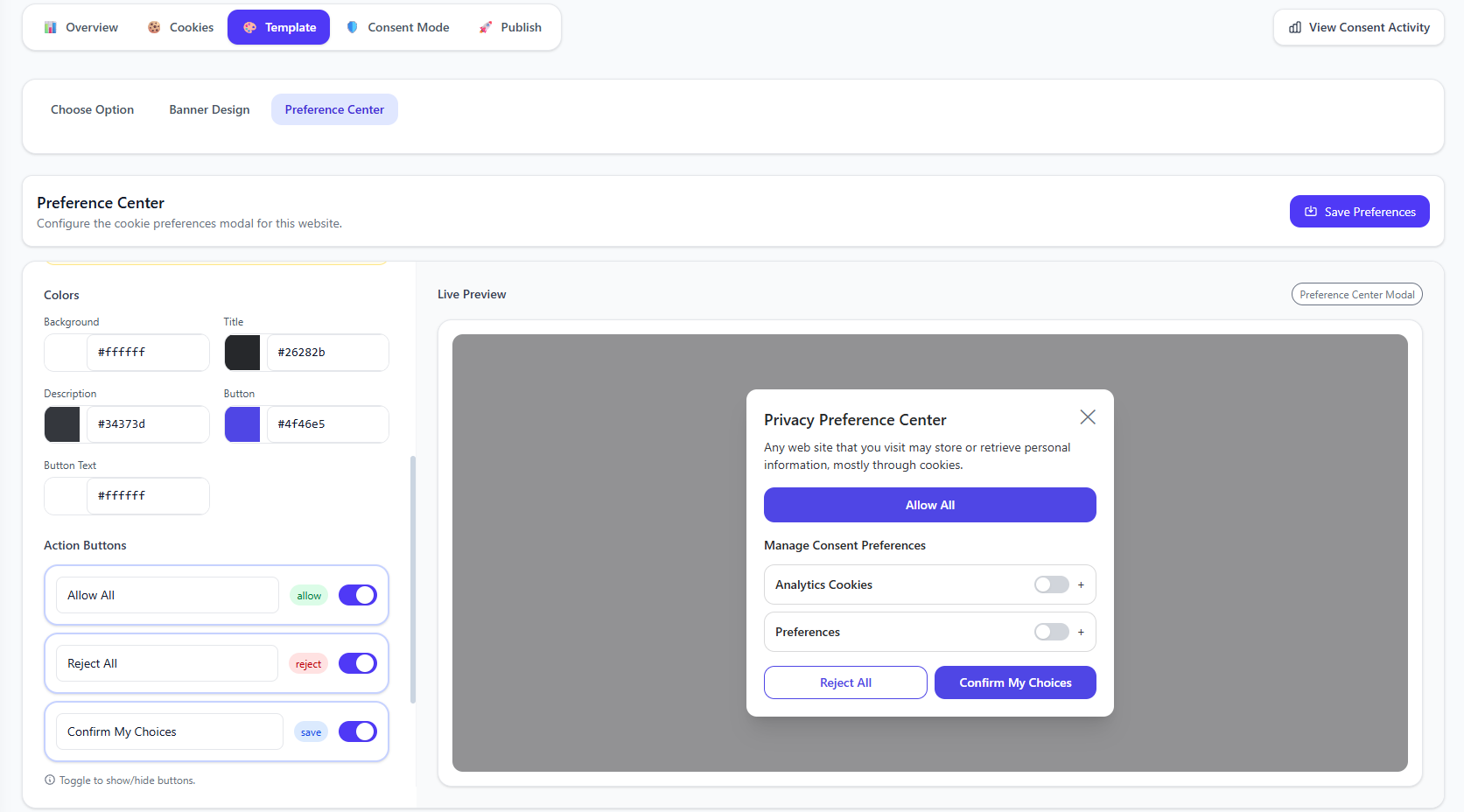
A Preference Center is a detailed interface that allows users to view all cookies your site uses and toggle categories on or off. It's required for GDPR compliance and provides transparency to users about their data.
Cookie preference center interface
Screenshot placeholder
Key Features
Category Toggles
Users can enable or disable entire cookie categories with a single click
Cookie Details
Expandable sections show individual cookies with descriptions
Configuring the Preference Center
Enable Preference Center
In Banner Design, ensure the Manage Preferences button is enabled. This button opens the preference center.
Customize Appearance
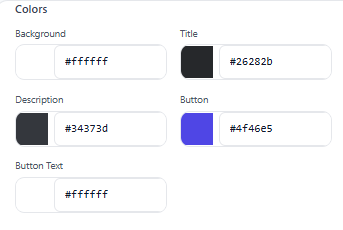
Navigate to the Preference Center settings to customize colors, layout, and toggle styles.
Preference center customization
Screenshot placeholder
Configure Categories
Customize which categories appear and their descriptions. Essential cookies are always shown but cannot be toggled off. Add clear, user-friendly descriptions for each category to help users understand what they're consenting to.
Close Button Option
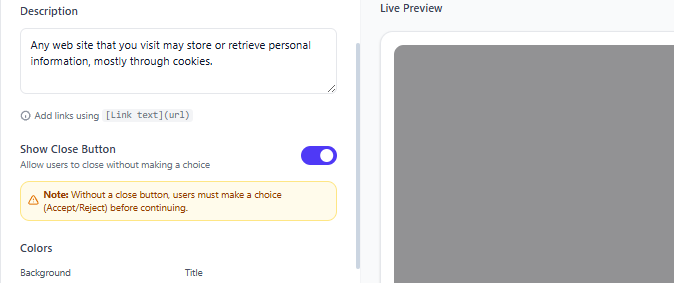
Choose whether to show a close button on the preference center. If you require explicit consent, you can remove the close button to ensure users must make a choice (Accept All, Reject All, or Save Preferences) before continuing.
Preference center button configuration
Screenshot placeholder
Category Descriptions
For each cookie category in your preference center, you can add custom descriptions that explain:
- What the category does: Clear explanation of the cookies' purpose
- Why it's needed: Benefits to the user or site functionality
- Examples: Specific services or features affected (e.g., "Analytics, Chatbots")
💡 Tip
Write descriptions in plain language that non-technical users can understand. Avoid jargon and be transparent about what data is collected and why.
Preference Center Elements
Header
Title and description explaining the preference center purpose. Optional close button (can be hidden to require consent)
Category Sections
Collapsible sections for each cookie category with toggles. Each category includes a custom description to explain its purpose
Cookie List
Detailed list of individual cookies with name, provider, purpose, and duration
Action Buttons
Save Preferences, Accept All, Reject All buttons
Accessing After Initial Choice
Users need a way to change their preferences after making an initial choice. Configure a floating button or footer link that reopens the preference center.
Common Access Points
- Floating cookie icon (recommended)
- Footer "Cookie Settings" link
- Privacy policy page button
Best Practices
- Provide clear, jargon-free descriptions for each cookie category
- Show the actual cookie count in each category for transparency
- Remove the close button if you need to require explicit consent (recommended for GDPR/DPDPA strict compliance)
- Ensure the preference center is accessible on all pages after initial choice
- Remember user preferences so the center shows current state when reopened